Royale Fortune iOS App: Can iPhone Users Download It?
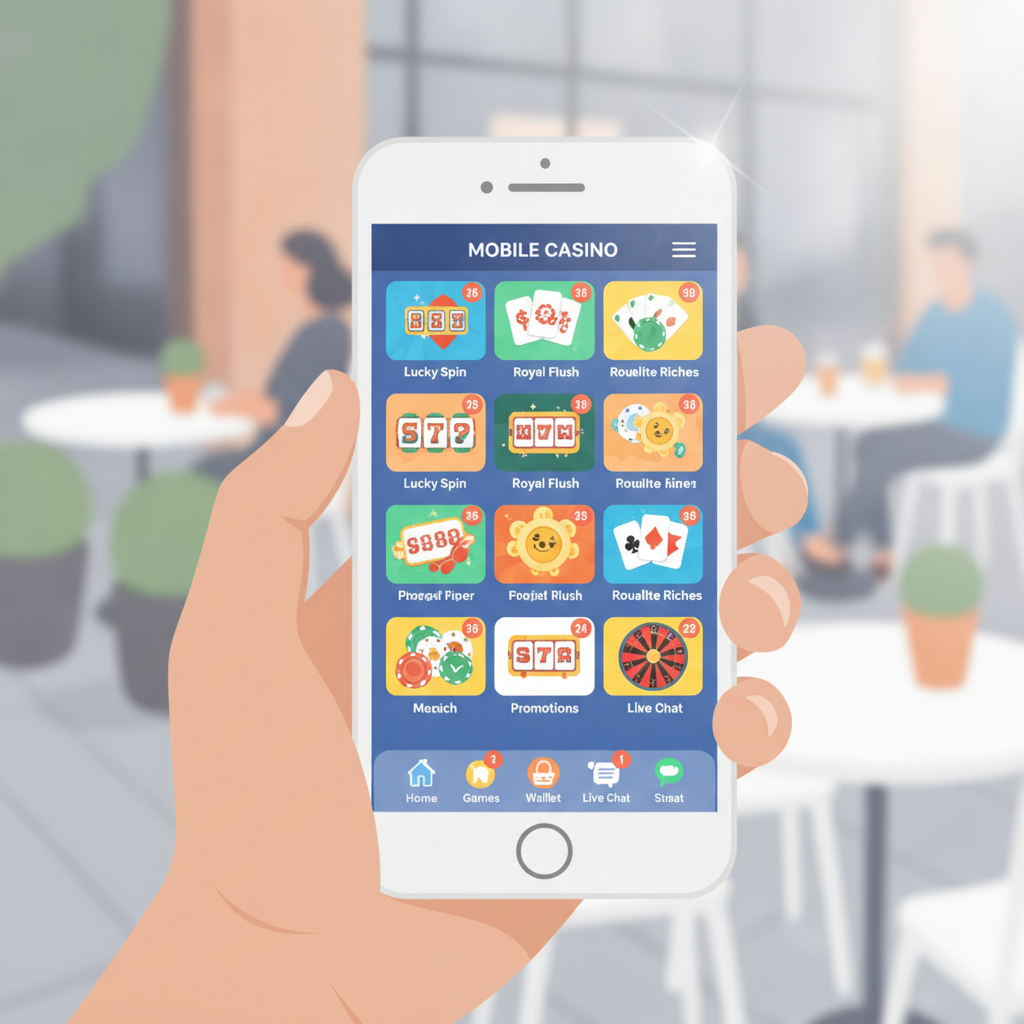
Current Availability: Does Royale Fortune Offer a Native iOS App?
As of now, Royale Fortune does not provide a native iOS app available through the Apple App Store. Unlike the Android APK that some players can download directly, there is no dedicated iPhone or iPad application for Royale Fortune.
This situation is common among online casinos serving the Philippine market. Apple enforces strict App Store policies regarding real-money gambling apps, and many operators choose to focus development resources on Android and mobile web platforms instead.
If you're an iPhone user hoping to access Royale Fortune slots, live dealer tables, sports betting, or bingo, you'll need to use the mobile browser version—but the experience is still fully functional and optimized for iOS devices.
Alternative for iPhone Users: Mobile Browser Access
Royale Fortune operates a mobile-optimized website that works smoothly on Safari, Chrome, and other iOS browsers. The mobile site delivers the same core features as the Android app:
- Full game library: slots, jackpot games, live dealer tables, bingo, and sports betting on PBA, NBA, and volleyball
- GCash and Maya deposits and withdrawals: complete access to all supported payment methods including bank transfer over InstaPay and PESONet
- Account management: login, balance checks, transaction history, and profile verification
- Bonus and promo tracking: view active offers, check wagering progress, and claim rewards
To access Royale Fortune on your iPhone:
- Open Safari or Chrome on your device
- Type the Royale Fortune website address into the URL bar
- Log in with your existing username and password
- The site will automatically adjust to fit your screen size
The mobile browser version loads quickly over 4G or Wi-Fi and uses responsive design to adapt to iPhone screen sizes from the iPhone SE up to the iPhone 15 Pro Max. Navigation menus collapse into a sidebar, game thumbnails scale appropriately, and tap targets are sized for finger-friendly interaction.
How to Add a Home-Screen Shortcut on iOS
Even without a native app, you can add a Royale Fortune shortcut to your iPhone home screen for one-tap access. This shortcut behaves similarly to a native app icon—tap it, and Safari opens the site in a streamlined view without the usual browser toolbars.
Steps to create a home-screen shortcut in Safari:
- Open Safari and navigate to the Royale Fortune site
- Tap the Share button at the bottom center of the screen (a square with an arrow pointing up)
- Scroll down the share menu and tap Add to Home Screen
- Edit the name if you prefer something shorter (e.g., "Royale Fortune")
- Tap Add in the top-right corner
The shortcut icon will appear on your home screen alongside your other apps. Tapping it launches the Royale Fortune site in a full-screen Safari window, hiding the address bar and navigation controls for a cleaner, app-like experience.
Steps to create a home-screen shortcut in Chrome:
- Open Chrome and go to the Royale Fortune website
- Tap the three-dot menu in the top-right corner
- Tap Add to Home Screen
- Name the shortcut and tap Add
- Confirm by tapping Add again in the pop-up
Chrome shortcuts work similarly, opening the site in a dedicated browser window.
This approach saves you from typing the URL or searching through bookmarks every time you want to check PBA odds, spin slots, or withdraw funds to your GCash or Maya wallet.
Performance Comparison: Mobile Web vs Android APK Experience
Since Royale Fortune does not offer an iOS app, it's worth understanding how the mobile browser experience on iPhone compares to the Android APK that some players use.
Loading Speed
Modern mobile browsers on iOS are fast. Safari, in particular, is optimized for Apple hardware, and sites like Royale Fortune that use efficient code load in two to three seconds over a stable connection. The Android APK may shave off a fraction of a second at startup, but in day-to-day use, the difference is minimal.
Game Performance
Slots, live dealer streams, and sports betting interfaces run smoothly on iPhone browsers. HTML5 game providers design their titles to work across platforms, so you'll see the same frame rates and touch responsiveness whether you're on an iPhone 12, iPhone 14, or the latest model. Live dealer video streams from Evolution, Pragmatic Play Live, and other providers adapt bitrate automatically based on your connection, just as they do on Android.
Push Notifications
One limitation: the mobile browser version cannot send push notifications for bonus offers, bet settlements, or withdrawal confirmations. The Android APK may support notifications if Royale Fortune has enabled them. If you rely on alerts, you'll need to check your account manually or enable email notifications through your Royale Fortune account settings.
Offline Access
Neither the mobile web version nor the Android APK offers offline play—online casinos require a live internet connection to verify balances, process bets, and update game outcomes. This is a wash between platforms.
Security and Updates
Using Safari or Chrome means you're always accessing the latest version of the Royale Fortune site. The operator updates the platform server-side, so you never need to download a new APK or worry about outdated software. For iOS users, this is an advantage: no manual update checks, no side-loading risks.
Apple's built-in security features—sandboxed browser environments, automatic HTTPS enforcement, and prompt warnings for suspicious sites—also add a layer of protection when you log in or enter payment details.
Data Usage
Both mobile web and APK consume similar amounts of data during gameplay. A live dealer session uses around 100–200 MB per hour for video streaming, while slots and sports betting consume much less (typically under 10 MB per hour for standard play). iOS users can monitor and limit cellular data in Settings > Cellular > Safari (or Chrome).
Overall User Experience
For daily tasks—logging in, depositing via GCash, spinning slots, placing bets on the NBA, or withdrawing winnings to Maya—the iPhone browser experience matches the Android APK closely. The lack of a dedicated app is not a barrier to full functionality.
If you're comfortable navigating a mobile website and you've added a home-screen shortcut, you won't miss the APK. The only users who might prefer Android are those who want push notifications or feel more confident using a standalone app.
What About Future iOS App Development?
Royale Fortune has not publicly announced plans to release an iOS app. Given Apple's App Store restrictions on real-money gambling apps in many regions, it's unclear whether a native iPhone app will become available.
For now, the mobile browser remains the recommended and officially supported method for iPhone users. The site is stable, receives regular updates, and works across all current iOS versions.
If an iOS app does launch in the future, Royale Fortune will likely announce it on the homepage or via email to existing players. Until then, Safari or Chrome access is the standard.
Responsible Gambling Reminder
Royale Fortune is intended for players aged 21 and over only. Online casino games and sports betting carry financial risk, and there is no guarantee of winnings.
Set a budget before you play, stick to deposit amounts you can afford to lose, and take breaks if gaming stops being enjoyable. If you feel you need support, consider reaching out to responsible gambling resources available in the Philippines.
Final Takeaway
Royale Fortune does not currently offer a native iOS app for iPhone users. Instead, players in the Philippines can access the full casino, sportsbook, and bingo platform through Safari, Chrome, or another mobile browser on iOS.
By adding a home-screen shortcut, iPhone users get one-tap access that mimics the convenience of a standalone app. Performance, game selection, and payment options—including GCash, Maya, InstaPay, and PESONet—are identical to the Android experience.
While a dedicated iOS app might arrive in the future, the mobile browser version is fully functional, secure, and optimized for all iPhone models. If you're already a Royale Fortune player, Safari access is all you need to manage deposits, play your favorite slots, bet on PBA and NBA games, and cash out your winnings.