Royale Fortune Maya Deposit and Withdrawal: Complete Walkthrough
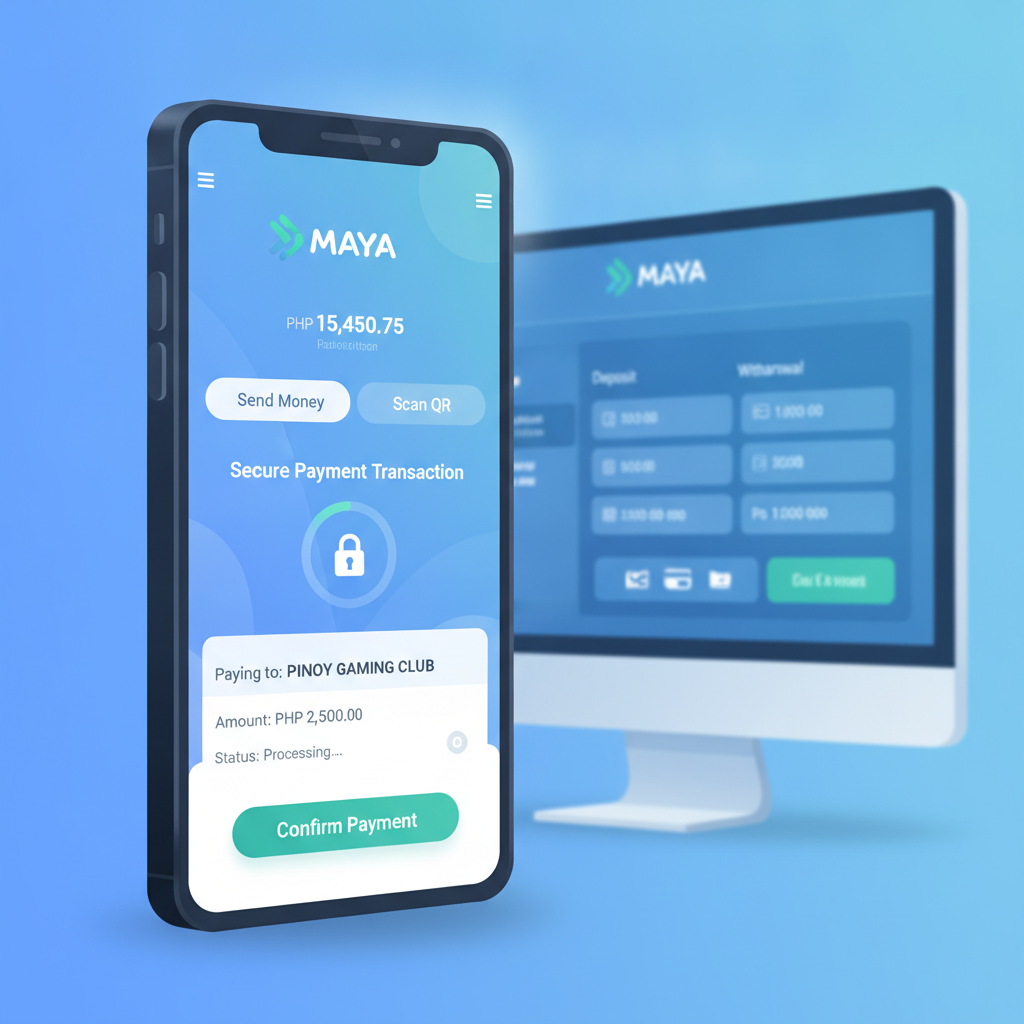
How to Link Your Maya Account to Royale Fortune for Deposits
Before you can deposit using Maya, Royale Fortune requires you to link your Maya account. This one-time setup ensures your withdrawals go to the same e-wallet you used to deposit, which is standard practice for most Philippine online casinos.
Linking process:
- Log in to your Royale Fortune account and tap the Deposit or Cashier button.
- Select Maya from the payment options list.
- Enter your Maya-registered mobile number exactly as it appears in your Maya app—no spaces or dashes.
- Royale Fortune may send a verification code to your mobile or email. Enter the code to confirm.
- Once verified, your Maya number is saved. You will not need to re-enter it for future deposits or withdrawals.
Common linking issues:
- Mobile number mismatch: If the number you enter does not match the name on your Royale Fortune account, the link may fail. Contact Royale Fortune support and have a screenshot of your Maya app profile ready.
- Already linked to another account: Maya numbers can only be linked to one Royale Fortune account at a time. If you see an error, make sure you are not trying to link a number already in use on a different Royale Fortune account.
Step-by-Step Maya Deposit: Amounts, Fees, and Instant Crediting
Once your Maya account is linked, depositing is fast. Most players see funds in their Royale Fortune balance within seconds, making Maya one of the quickest deposit options alongside GCash.
How to deposit:
- Open the Royale Fortune app or website and tap Deposit.
- Choose Maya as your payment method.
- Enter the deposit amount. Typical minimum is PHP 100, and maximum varies—often PHP 10,000 to PHP 50,000 per transaction, depending on your account level.
- Tap Confirm or Next. You will be redirected to the Maya payment gateway.
- Log in to your Maya app using your PIN, fingerprint, or face unlock.
- Review the transaction details (amount, merchant name) and tap Pay Now.
- Maya will show a success screen. Return to Royale Fortune—your balance should update within 5 to 30 seconds.
Deposit fees:
- Royale Fortune typically does not charge a processing fee for Maya deposits.
- Maya itself does not charge a fee for payments to merchants, so most players deposit for free.
- Always check the final amount shown in the Maya app before confirming, in case fees are applied during promotional periods or system updates.
Crediting times:
- Instant in the majority of cases. If your balance does not update within one minute, refresh your Royale Fortune app or try logging out and back in.
- If the deposit still does not appear after five minutes, screenshot the Maya transaction confirmation (including reference number and timestamp) and contact Royale Fortune support via live chat or Telegram.
Maya Withdrawal Process, Limits (Min/Max), and Typical Payout Times
Withdrawing your winnings to Maya follows a similar flow to deposits, but payout times are longer because Royale Fortune manually reviews each cashout for security.
How to withdraw to Maya:
- Log in and tap Withdraw or Cashout in the Cashier section.
- Select Maya as your withdrawal method. You must have previously deposited using Maya, or your Maya number must be verified.
- Enter the withdrawal amount. The minimum is often PHP 100 or PHP 200, and the maximum per transaction can range from PHP 10,000 to PHP 50,000, depending on your VIP level and recent deposit history.
- Tap Submit or Request Withdrawal.
- Royale Fortune will send a confirmation SMS or email. Some requests require you to click a link or enter a one-time code.
- Once confirmed, your request enters the processing queue.
Withdrawal limits:
- Minimum: PHP 100–200 (varies by account status).
- Maximum per transaction: PHP 10,000–50,000.
- Daily/weekly limits: Higher VIP tiers enjoy larger cumulative limits. If you win a large jackpot, you may need to withdraw in multiple batches over several days.
Processing times:
- Typical range: 15 minutes to 24 hours for most withdrawals.
- Peak times: Requests submitted late at night or during weekends may take closer to 24 hours because Royale Fortune's finance team operates during business hours.
- First withdrawal: Expect delays of up to 48 hours if this is your first cashout. Royale Fortune will verify your identity, Maya number, and transaction history before releasing funds.
Checking status:
- Go to Transaction History or My Account > Withdrawals to see if your request is "Pending," "Approved," or "Completed."
- Once marked "Completed," funds should appear in your Maya wallet within a few minutes. Check your Maya transaction history if you do not see the credit immediately.
Troubleshooting Failed Maya Transactions and Account Verification Issues
Even with instant e-wallets, hiccups happen. Here is how to resolve the most common problems.
Deposit Failed but Maya Was Charged
- Wait 15 minutes. Some banks and e-wallets show a pending debit before the final settlement. If the merchant (Royale Fortune) rejects or cancels the transaction, Maya will auto-reverse the charge.
- Check your Royale Fortune balance. Sometimes the balance updates but the app does not refresh. Log out and log back in.
- Contact Royale Fortune support with your Maya transaction reference number (found in Maya's transaction history), the exact amount, date, and time. Support can manually credit your account if the payment reached Royale Fortune's bank but was not auto-posted.
Withdrawal Stuck on "Pending" for More Than 24 Hours
- Verify your Maya account details. Log in to Royale Fortune and confirm the mobile number on file matches your active Maya number. A typo or old number will cause the payout to fail.
- Complete KYC (Know Your Customer) verification. Royale Fortune may request a photo of your valid ID and a selfie if you have not yet verified your account. Upload documents via the Account > Verification section or send them to the support email provided.
- Check for bonus wagering requirements. If you claimed a deposit bonus or free spins, you must complete the rollover before cashing out. Visit My Bonuses or Promo History to see remaining playthrough.
- Message support. If verification is complete and no bonus is active, ask support to escalate your withdrawal request. Provide your withdrawal reference number and registered Maya mobile.
"Account Verification Required" Error
- This appears when Royale Fortune flags your account for additional checks—often on first withdrawal or after a large win.
- What they need: Clear photo of government-issued ID (driver's license, passport, or Philippine national ID), a selfie holding the ID, and sometimes a screenshot of your Maya app profile showing your registered name and mobile number.
- Where to send: Look for an Upload Documents button in your account dashboard, or email files to the support address listed in Royale Fortune's Help or Contact section.
- Processing time: 24–72 hours. Once approved, your pending withdrawal will be released.
"Maya Unavailable" Message
- Maya's API occasionally goes offline for maintenance. Wait an hour and try again.
- If the issue persists beyond a few hours, switch to GCash or bank transfer, or contact Royale Fortune support to confirm Maya is still supported.
21+ Only and Responsible Gambling Reminder
Royale Fortune is strictly for players aged 21 and over. Online gambling can be entertaining but also carries financial risk. Set deposit limits you can afford, avoid chasing losses, and take breaks if betting stops being fun. If you feel gambling is becoming a problem, reach out to a local support organization or use Royale Fortune's self-exclusion and cooling-off tools in your account settings. Play responsibly and within your budget.
Summary: Maya is a fast, low-cost way to move pesos in and out of Royale Fortune. Link your Maya mobile number once, enjoy instant deposits from PHP 100, and expect withdrawals within 24 hours after verification. Keep your Maya details up to date, complete KYC when asked, and save transaction references to resolve any hiccups quickly. For additional help with GCash, InstaPay, or app install questions, explore other guides on this site.